Activities
Activities track what you actually do with your time. Each activity has a type — like Reading, Running, or Coding — and can be logged by duration, quantity, or simple occurrence. They're the raw data of how you spend your days.
What You See
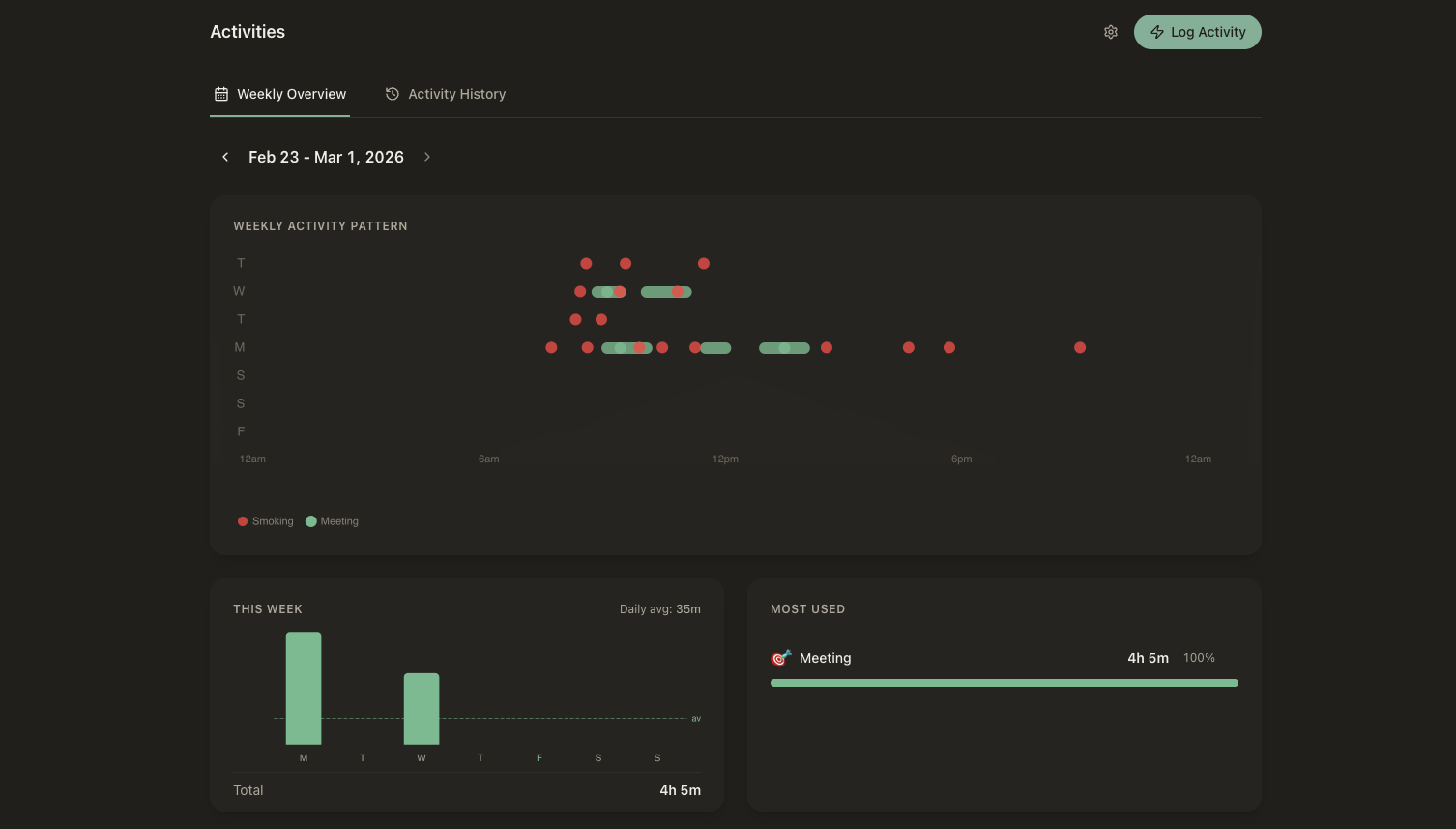
The list view shows a timeline of logged activities with filters by type, date range, and area. Each entry shows the activity type, how long it lasted (or how much), and any linked entities. The detail view shows the full activity record — duration, notes, linked items, and history of similar activities over time.
Key Features
Custom Activity Types
Define the activities that matter to you — Reading, Running, Coding, Meditating, or anything else. Each type has its own icon, color, and tracking mode.
Log by Duration, Quantity, or Occurrence
Track activities however makes sense. Log a 30-minute run, 25 pages read, or simply that you meditated today. Start a live timer or enter time after the fact.
Link to Entities
Connect activities to the things they're about — the book you're reading, the course you're studying, or the person you met with. Build a web of context around what you do.
Active Activity Banner
When you start an activity, a live banner appears in the Today view showing what you're currently doing and how long you've been at it. Stay aware without clock-watching.
AI-Assisted Logging
Tell the AI what you did in natural language and it logs the activity for you — picking the right type, duration, and linked entities automatically.
Connections
Activities are the building blocks of your daily record. Here's how they connect to the rest of your workspace.
Activities feed into goals automatically. If your goal is to read 30 minutes a day, every reading activity counts toward it.
Activity data flows into measurements — total hours coded this week, average run distance, or any derived metric you define.
Link activities to items in your lists — log a workout against a specific exercise routine, or a study session against a course.
Activities appear in the Today view's Day View and Activity Timeline, giving you a complete picture of how you spent your day.
Your time, captured
Activities give you an honest record of how you spend your days. When they feed into goals and metrics automatically, you stop guessing about your habits and start seeing the patterns clearly.